

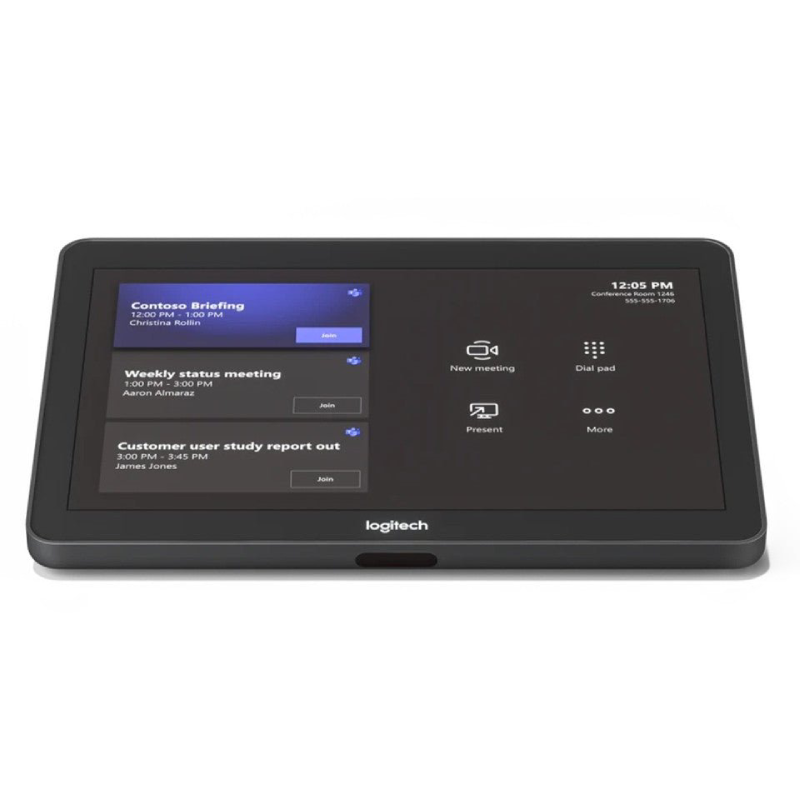
Logitech Tap avec kit Cat5e – NA – USB – N/A – WW – avec Raichu
| Logitech Tap avec kit Cat5e – NA – USB – N/A – WW – avec Raichu |

-
-
Screen Size: Typically a 10.1-inch high-resolution touch display.
-
Resolution: High-definition display for clear text and graphics.
-
Touch Input: Capacitive touch screen for responsive interaction.
-
User Experience (UX): Dedicated interface for one-touch join, meeting scheduling, and room controls, often tailored to the specific platform (e.g., Microsoft Teams interface, as shown in the image).
-
Presence Sensing: May include built-in motion sensors to wake the device when a person approaches.
-
Single Cable: Connects to the room’s computing device (e.g., a mini-PC that runs the conferencing platform) using a single USB cable for both power and data.
-
Cable Management: Designed with integrated strain relief and cabling to maintain a clean look on the tabletop.
-
Installation: Designed for flexible placement, including tabletop mount (as shown), riser mount, or wall mount.
-
Core Functions:
-
One-Touch Join: Start or join scheduled meetings instantly.
-
Call Control: Mute/unmute, volume control, and end call.
-
Peripheral Management: Control camera pan/tilt/zoom (PTZ) and switch sources.
-
Room Controls: Integration with environmental controls (e.g., lights, blinds) through optional third-party systems.
-
-
Material: High-quality casing, often with a subtle, non-reflective finish.
-
Compatibility: Designed to work as a component of a complete room solution, such as Logitech Room Solutions for Microsoft Teams, Zoom Rooms, or Google Meet.
-


There are no reviews yet.